
Whether you want to share an Instagram Reel to TikTok, send someone’s profile link in a DM, or adjust sharing settings on your own content, today’s guide has you covered.
Key Points:
How To Share Your Own Posts On Instagram
You can share your own posts or Reels within the Instagram app using a few different methods.
First, tap the paper plane icon beneath your Instagram post.

Then follow the steps below depending on where you'd like to share the post...
How To Share An Instagram Post To Your Story
Tap Add To Story.
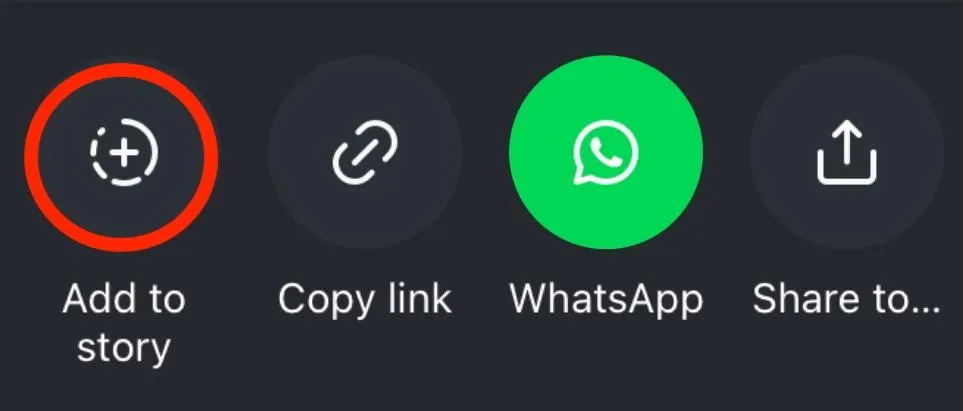
This will share your post to your Story, where you can add gifs, stickers, links, and other customizations.
How To Share An Instagram Post Link
Tap Copy Link.
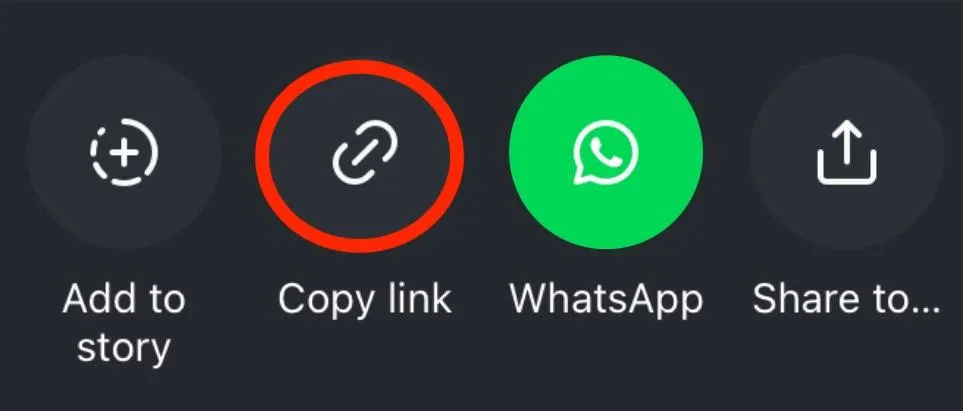
This will copy the direct link to your photo or video post, so you can send it to another user off-platform, embed it in a blog post, or add it to your bio on a different social media profile.
How To Share Instagram Posts To Another Platform
Tap Share To.
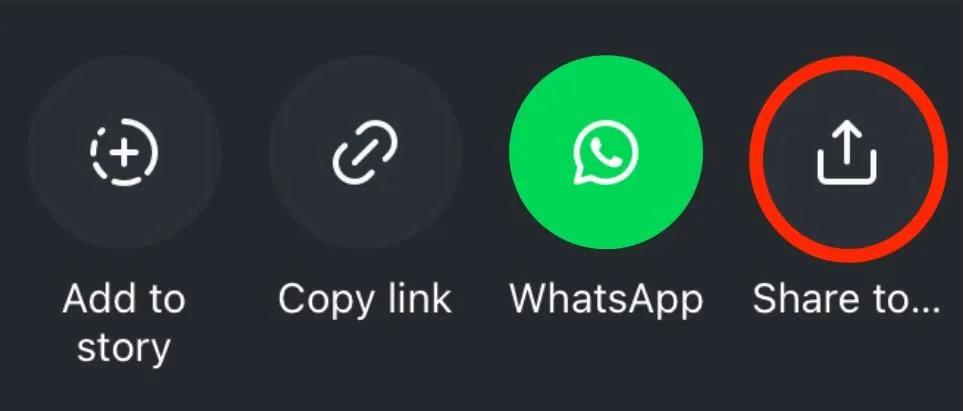
Or select one of Instagram's default options to share your post via:
-
AirDrop (only for iPhone - tap Share To then the AirDrop icon)
-
Messages
-
Facebook Messenger
-
Whats App
-
Gmail
-
...and more
How To Share Instagram Posts In A DM
You'll see your most-messaged profiles when you tap share, but you can also use the search icon to look up additional users.
Tap the user you want to share the post with, and include a message if you'd like. Then tap Send.
Additional Sharing Methods
If you're the user who originally posted the content, you can also screenshot your post and share it elsewhere.
This isn’t recommended for posts that you don’t claim ownership to, however, as it can violate Instagram’s terms of service regarding copyright.
How To Automatically Post From Instagram To TikTok
If you want your Instagram content to automatically be shared to TikTok, there are several third party sites that can help with this.
The most well known is IFTTT, which allows users to set up applets that trigger automatic processes. Search up Instagram to browse potential services that will allow your Reels to be automatically posted to TikTok.
As with any third party service, make sure you do your research before granting permissions to your personal accounts.
How To Share Someone Else's Posts On Instagram
If another profile has allowed resharing, you'll be able to re share someone's post in the following methods.
To get started, first tap share beneath their photo or video.
Then follow the steps below depending on where you'd like to share the post...
How To Share Someone’s Instagram Post To Stories
Tap Add To Story.
This will share the post to your Story, where you can add gifs, stickers, links, and other customizations.
How To Share Someone’s Instagram Post Link
Tap Copy Link.
This will copy the direct link to the photo or Reel, so you can send it to another user off-platform, embed it in a blog post, or add it to your bio on a different social media profile.
How To Share Instagram Posts To Another Platform
Tap Share To.
Or select one of Instagram's default options to share the post via:
-
AirDrop (only for iPhone - tap Share To then the AirDrop icon)
-
Messages
-
Facebook Messenger
-
Whats App
-
Gmail
-
...and more
How To Share Someone’s Instagram Posts In A DM
You'll see your most-messaged profiles when you tap share, but you can also use the search icon to look up additional users.
Tap the user you want to share the post with, and include a message if you'd like. Then tap Send.
How Do You Share An Instagram Post To Your Timeline?
While you can’t share someone else’s Instagram posts to your own Instagram feed (without reposting it, which can violate copyright), you can share an Instagram post to your Facebook timeline.
Copy the link to the Instagram post and paste it into your Facebook post box. It should generate a preview image, and you can add any text around it.
How To Turn Off Sharing On Your Instagram Posts
If you want to stop allowing users to share your content via Instagram's built-in share features, you can toggle off Sharing to Stories by following the steps below via the Instagram app:
Go to your profile and tap the three lines on the top right corner.
Scroll down to How Others Can Interact With You and tap Sharing And Reuse.
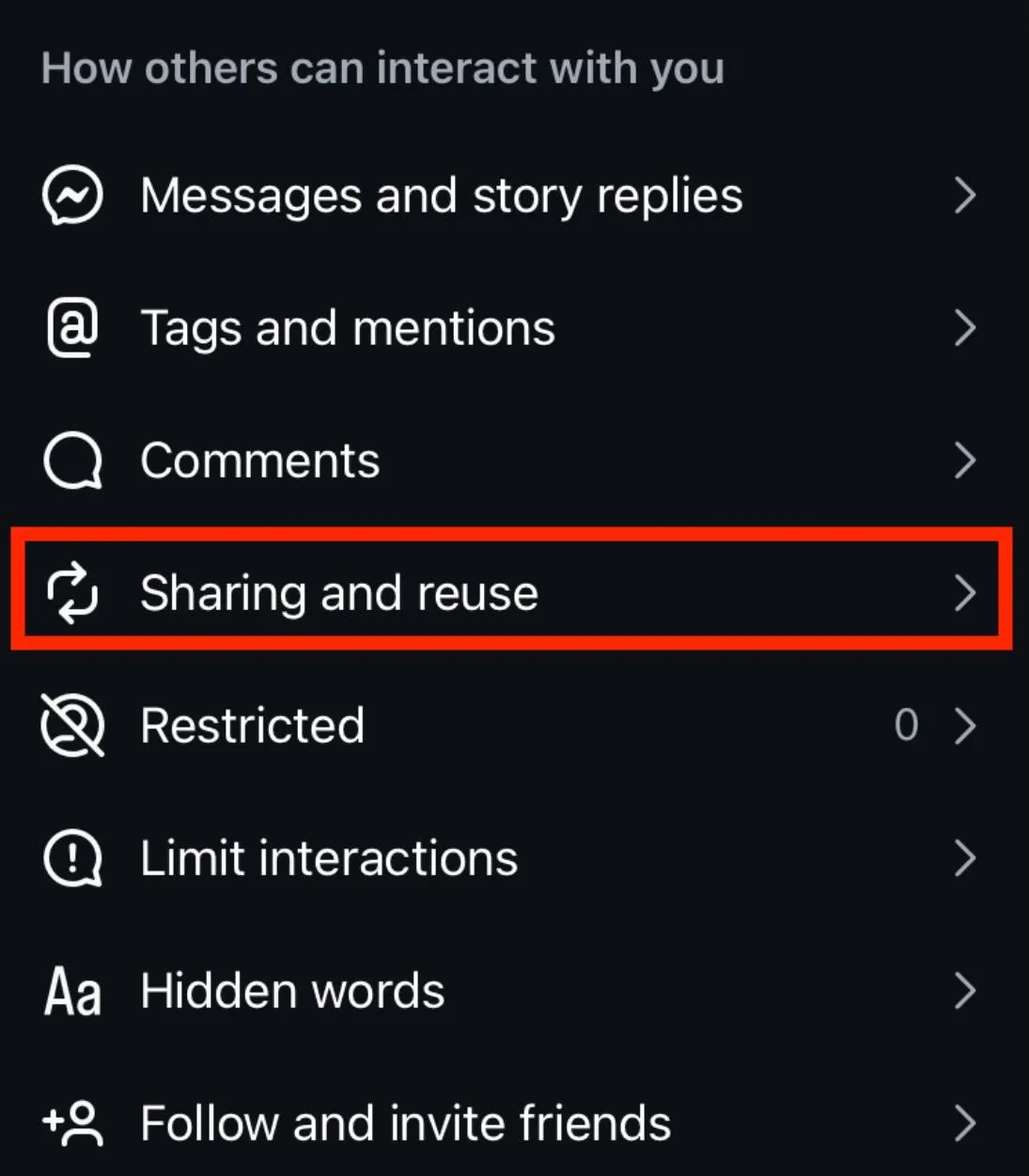
Tap toggle ON or OFF beside each share setting depending on your preferences. You can toggle the following preferences:
-
Sharing posts and Reels to Stories
-
Share Stories in messages
-
Repost posts and Reels
-
Add notes on posts and reels
-
Create with and reuse posts and Reels
-
Download Reels
-
Allow external post embedding
-
Allow businesses to request to feature your content in their shops
How To See Your Post Shares Count On Instagram
If you're the original account that posted the content, you can see your total Shares number via your Instagram Insights.
To access Insights, go to your profile and tap the three lines on the top right corner.
From here, scroll down to For Professionals and tap Insights.
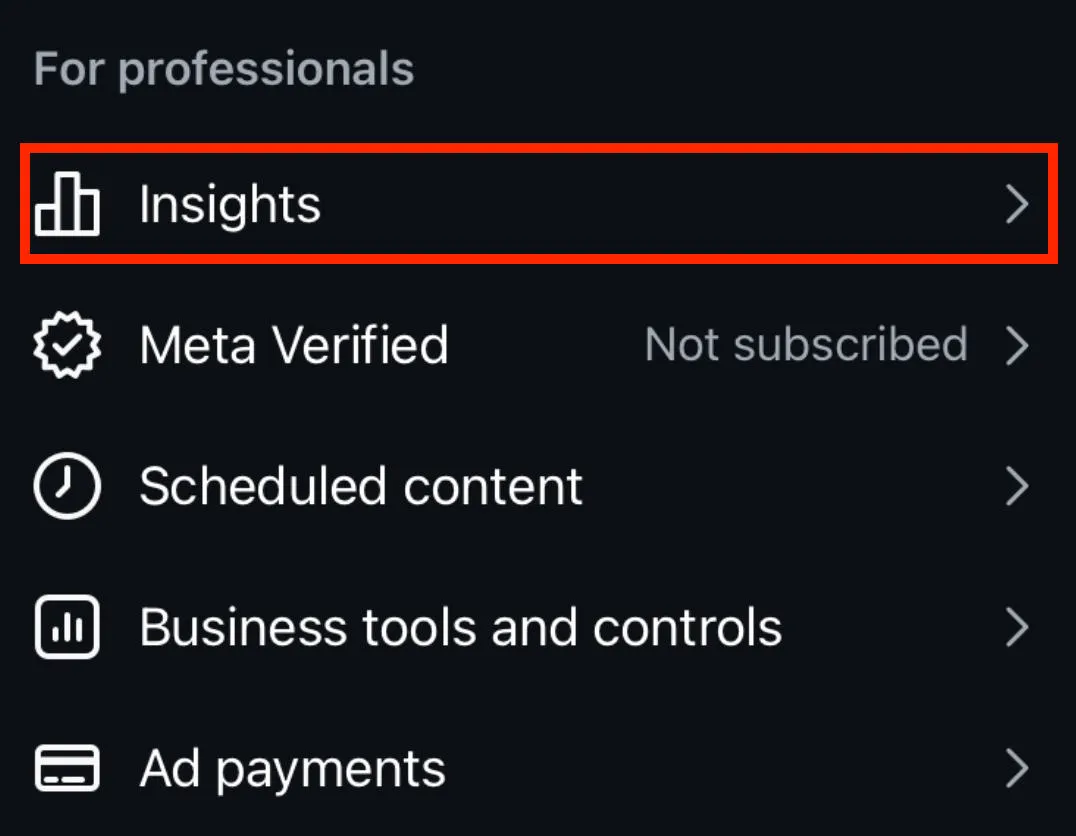
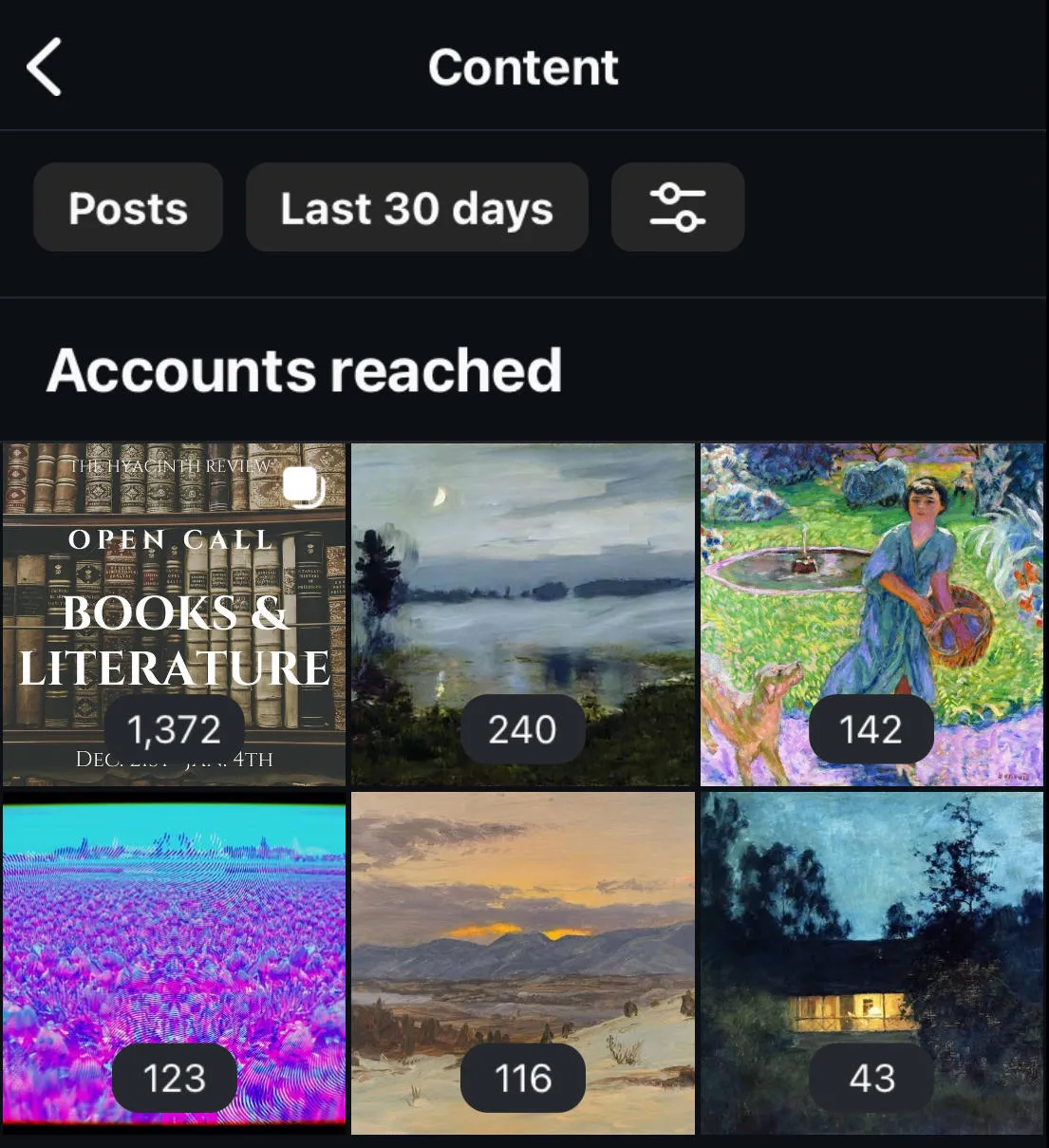
Tap Content You Shared.
This section will show you all recent posts within the given timeframe.
Once you click a post you will be shown detailed insights into post metrics, include Shares which are denoted with the paper airplane icon.
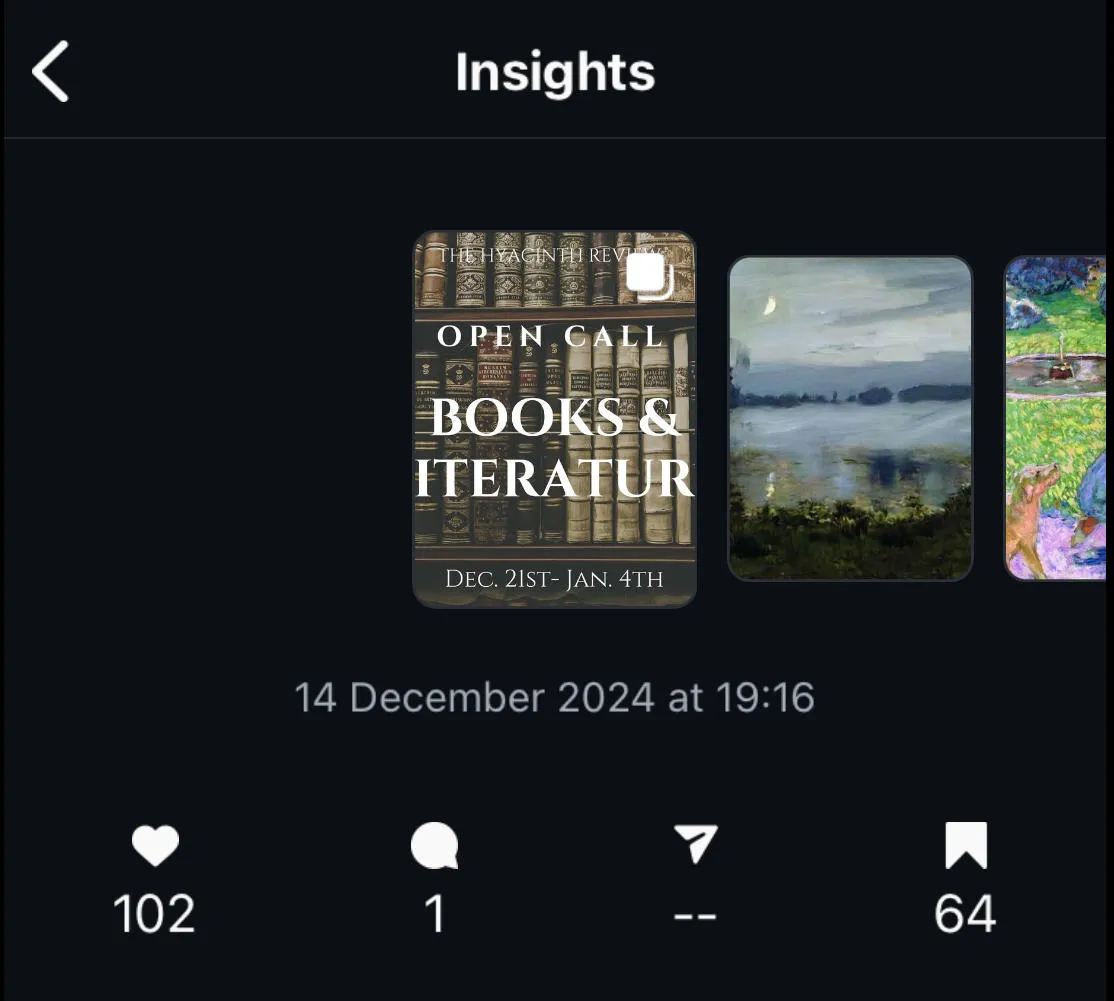
If the post has never been shared, you'll see a dash rather than a 0 count.
Check out our complete guide to Instagram Insights here.
How To Share An Instagram Profile
If you want to share an entire profile page, you can do so - even if they have a private account.
How To Share Your Own Instagram Profile Page
Whether you're on Android or iPhone, tap profile.
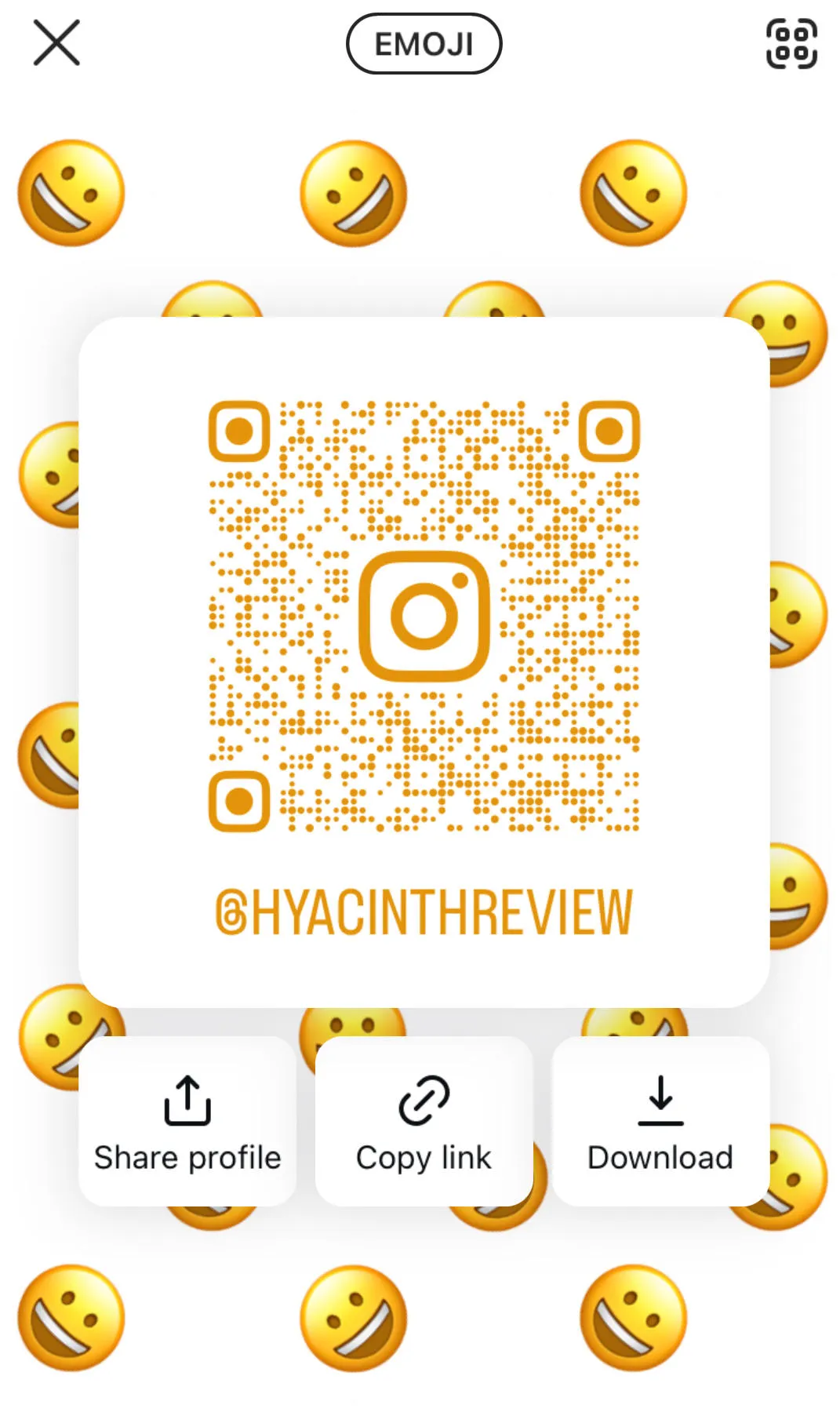
From the profile page, tap Share Profile (beneath the profile picture or bio, depending on the profile settings).
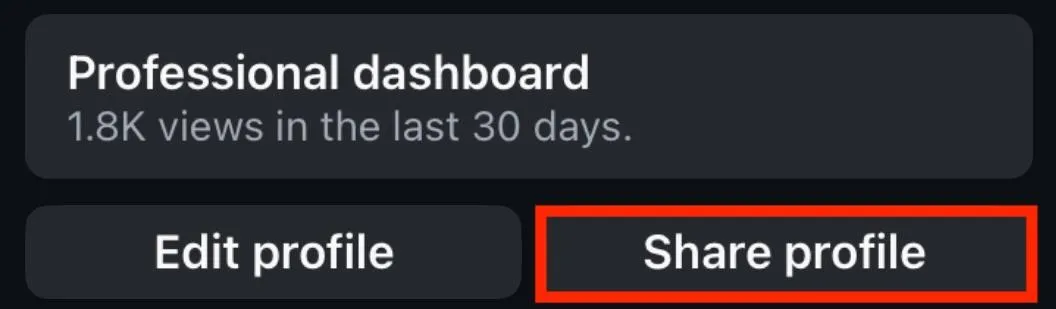
From here you'll have access to a QR code, direct sharing options, copying a link to your clipboard, or downloading the share profile page to send to others.
How To Share Someone Else’s Instagram Profile
Visit the profile you wish to share and tap the three dots on the top right corner.

Tap Share This Profile.
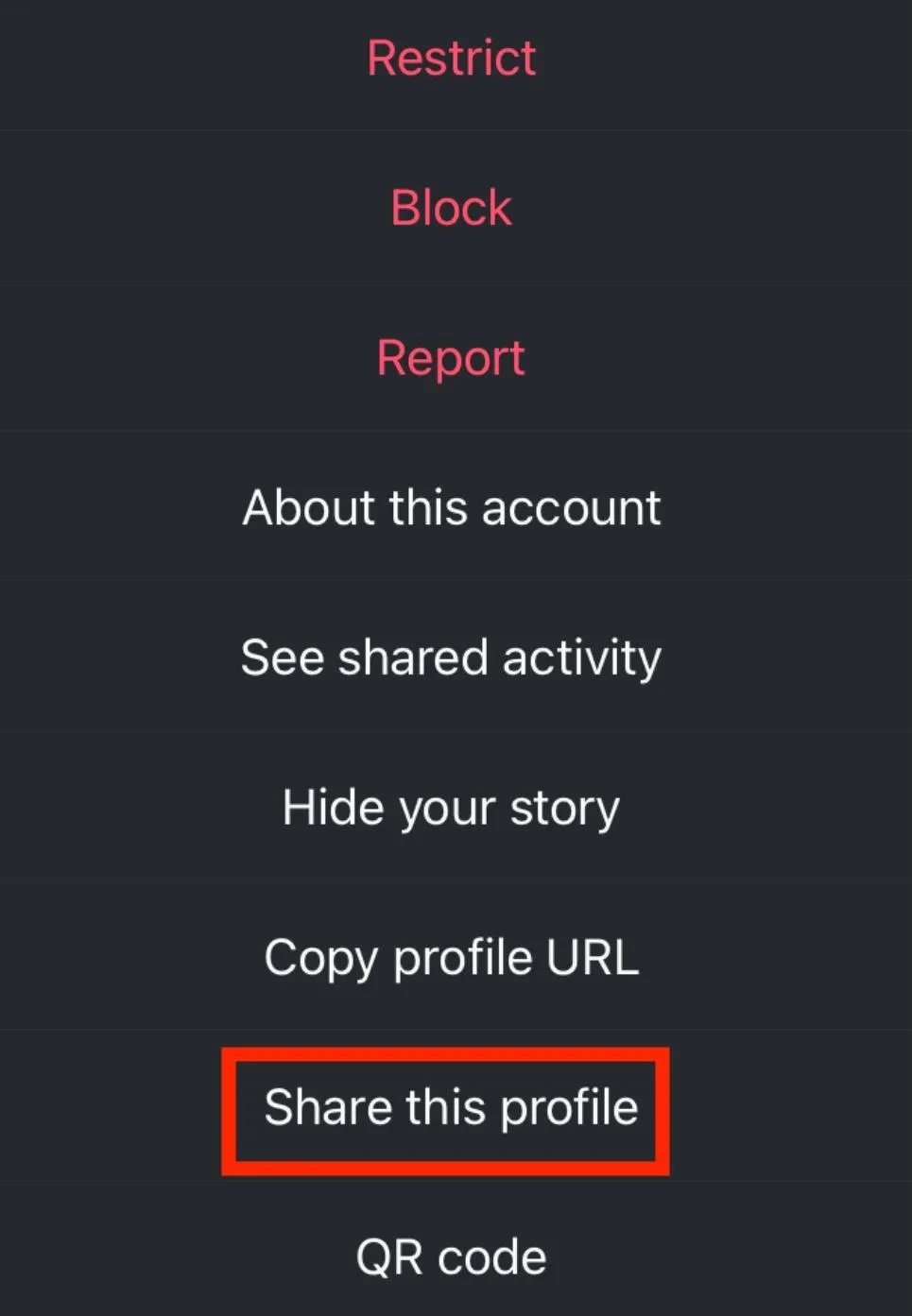
From here you'll be able to share the profile in the following ways:
-
Via direct message
-
To your Story
-
Directly to another platform
-
Tapping Share To and copying the URL
How Can I Share Someone’s Profile Picture?
There is no way to directly share someone's profile picture on Instagram, aside from taking a screenshot and sharing it directly.
To view someone's profile picture via Android or iPhone tap their profile, then tap the profile picture again to see an enlarged version.
Frequently Asked Questions
How do I share my Instagram to TikTok?
To share your Instagram posts to TikTok, first tap the paper airplane icon at the bottom of your post. From here, tap Share To then select TikTok.
How do you get your social media link on TikTok?
From your profile page, tap Edit Profile. Tap Links. Tap URL or one of the other social platform options, then paste in your link.
How can I link my TikTok to my Instagram bio?
To add a link to an Instagram bio, tap Edit Profile, then scroll down to the website field. Input your TikTok link here. Alternatively, you can use a service like LinkTree to include a variety of links from one landing page.
Why can't I put a link on TikTok?
Certain link features are only available to Business Accounts on TikTok. You’ll have to swap profile types to add a custom URL.
How do you put your social media on TikTok?
Tap Edit Profile then tap Link and choose the type of link you want to include.
How do I share my link on TikTok?
If you have a link to share with your TikTok followers, you can include it in your profile bio or in the caption of your post.
How do I cross post from Instagram to TikTok?
Certain tools like IFTTT allow you to cross post from Instagram to TikTok. Otherwise, the best method is to simply recycle your Reels by manually posting them to TikTok.
Why can't you share TikTok to Instagram?
TikTok does allow direct sharing to Instagram. If you don’t see this option, it’s likely due to the sharing permissions set by the creator.
How to share Instagram Reel to TikTok without watermark?
Instead of sharing your Reel directly, upload the original video to TikTok instead.
How to share Facebook Reels to TikTok.
If you’re sharing someone else’s Reel there’s unfortunately no way to share it directly to TikTok, aside from sharing the link in a TikTok DM.
Share a Reel from Instagram to Facebook?
If your Instagram account is linked to a Facebook business page, your posts should automatically be sent to Facebook. Otherwise, tap the paper airplane icon then tap Share To and select Facebook.
Do I have to have a public account to share on Instagram?
No, you can share content even if your account is private.
Does Instagram notify someone when you share their post?
No, shares are completely anonymous. While the user can see the number of shares via Insights, they won’t be able to see specifically who shared their content.
Why can't I share someone's post on Instagram?
If the user turned their sharing settings off, you won’t be able to share their content.
How do I share someone else's post on my page?
Instagram now has a repost feature, which allows you to reshare their content to your followers. Tap the Reshare icon on the post. You’ll see it under the Reshare tab on your profile, but your followers will see it on their homefeeds.
How do I share a post on a friend's timeline?
Instagram doesn’t offer this feature but Facebook does. If your friend allows posts on their profile, visit their page and input the link to the post you want to share on their timeline, then publish it.


